
NolimitHost
0%
Loading...
NolimitHost
Last updated: January 24, 2026
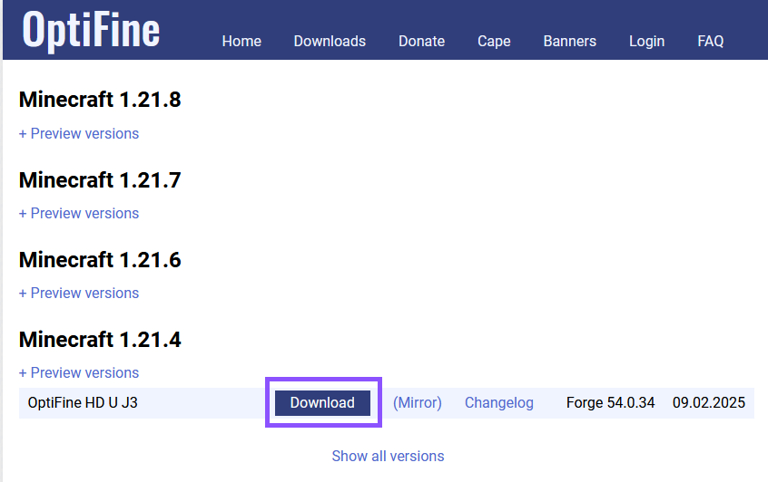
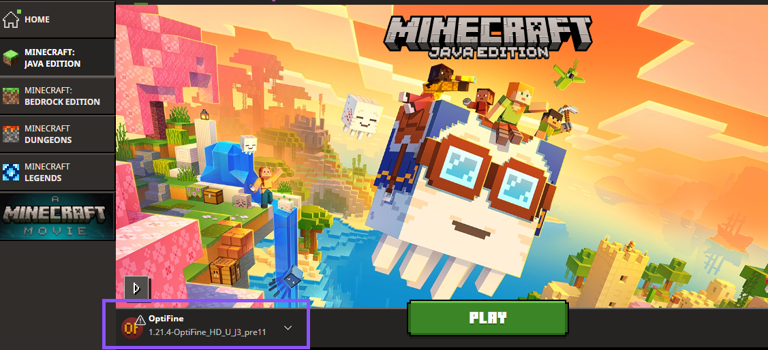
OptiFine is a popular client-side Minecraft mod that enhances performance and visual quality. In this guide, you will learn how to download and install it on your Minecraft client. Note that OptiFine is client-side, which means it only changes the game on your own computer — no server changes are needed for your friends to join.
Ensure that the desired Minecraft version is already installed before attempting to install OptiFine. OptiFine must match the Minecraft version you want to play on.
We appreciate you reading our tutorial. Enjoy an improved Minecraft experience with OptiFine!
This website uses cookies to ensure security, session management, and basic functionality. For details on all cookies used and how to manage your preferences, please see our Privacy Policy.



