




Game Management Panel
Engineered for zero-friction server administration. Automated modpacks, live terminal telemetry, 1-click cloud MySQL, and enterprise security.
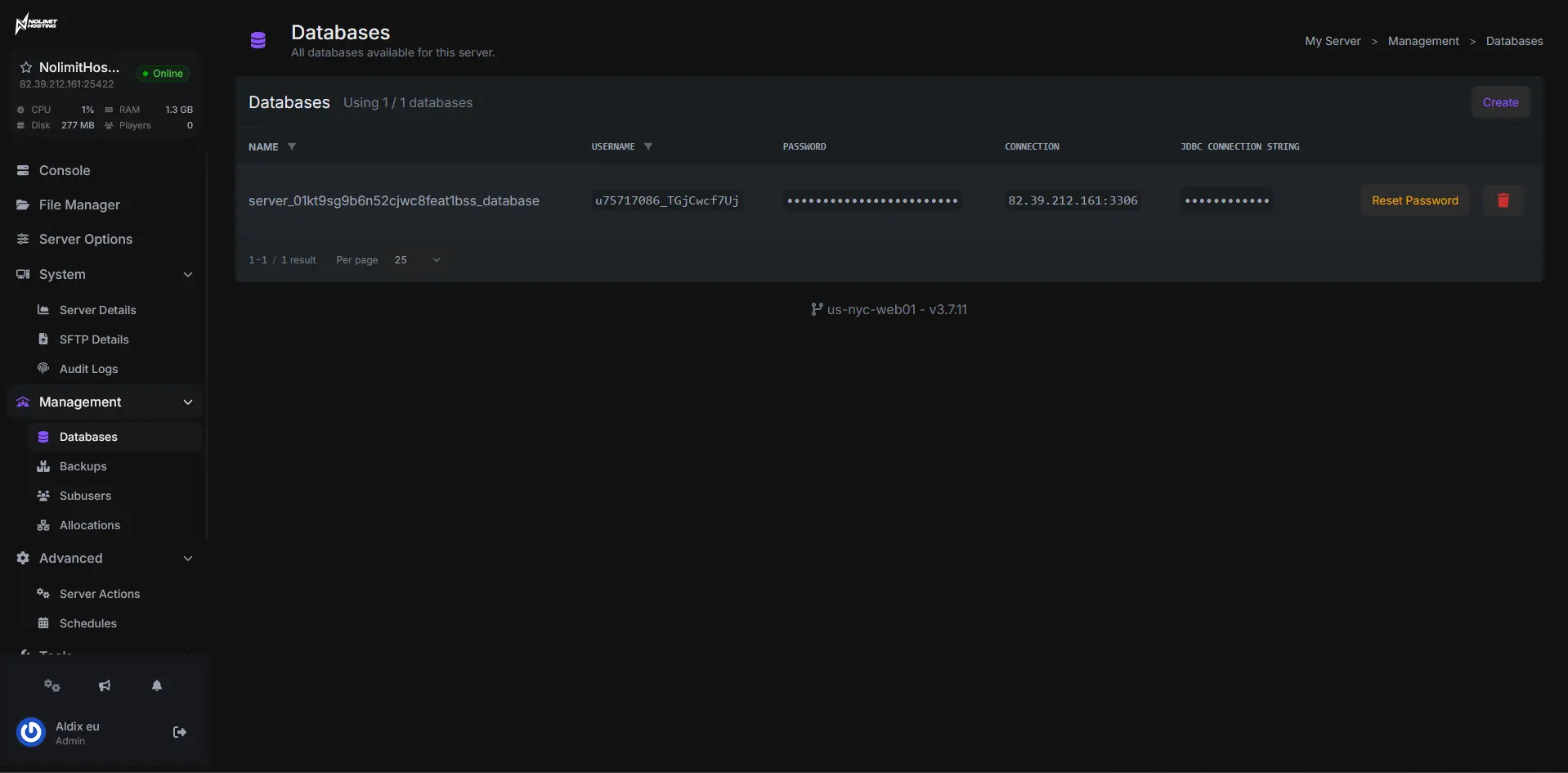
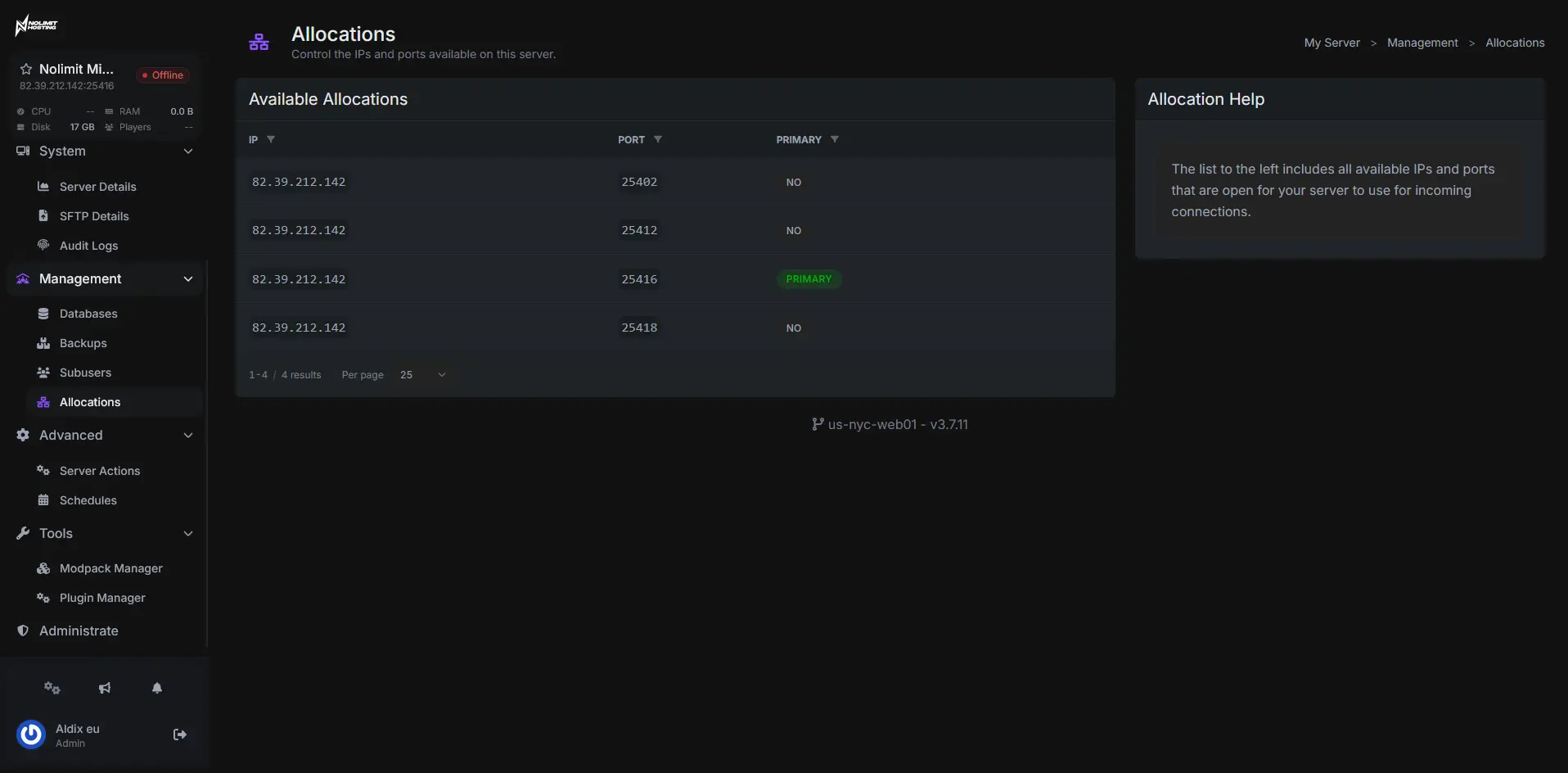
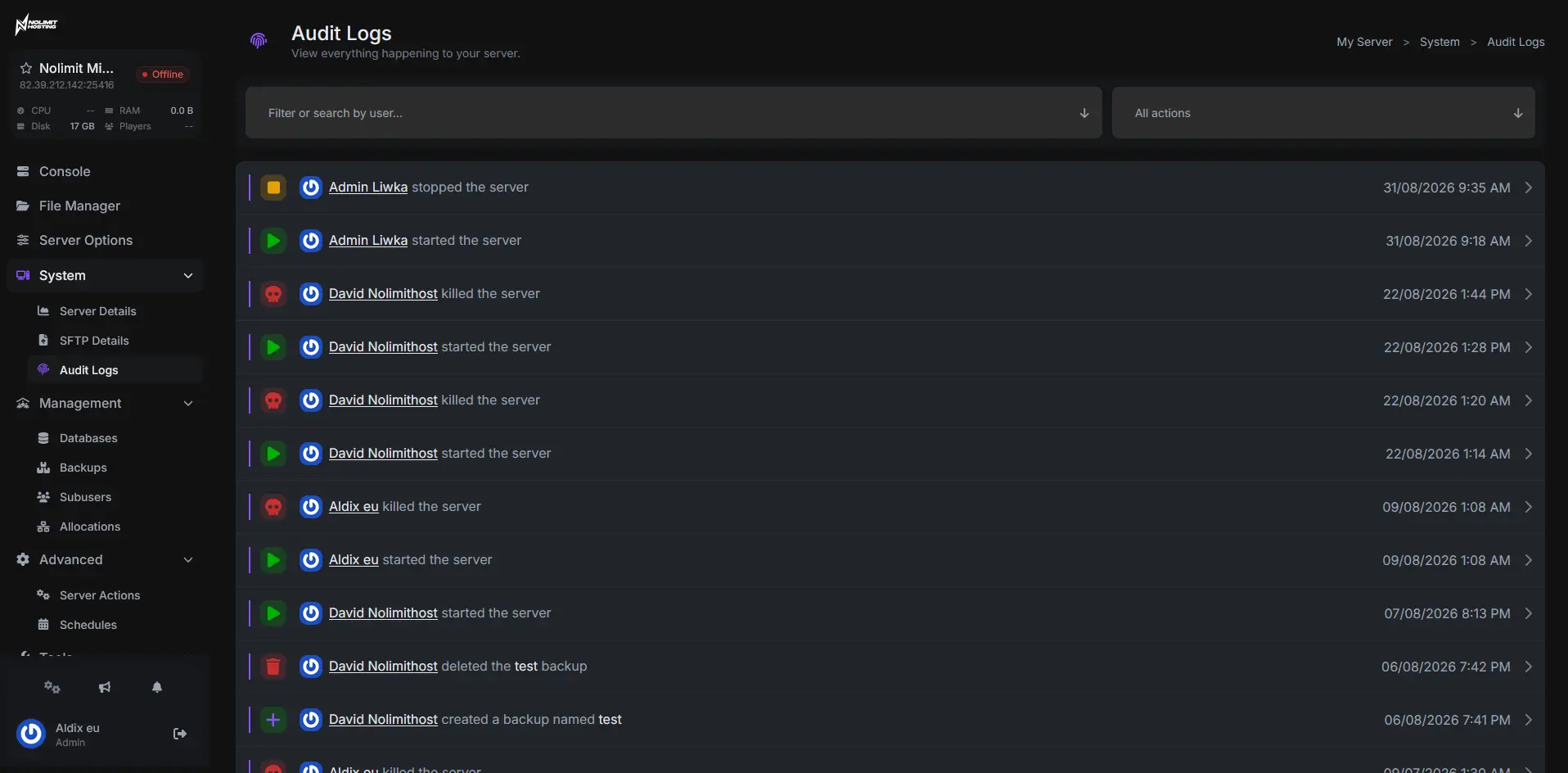
Run your server from one place
No SSH. No 3am forum threads. Every plan includes the full game panel and every feature below.
Unified Panel
See all your game servers, switch instantly, change settings, monitor performance.
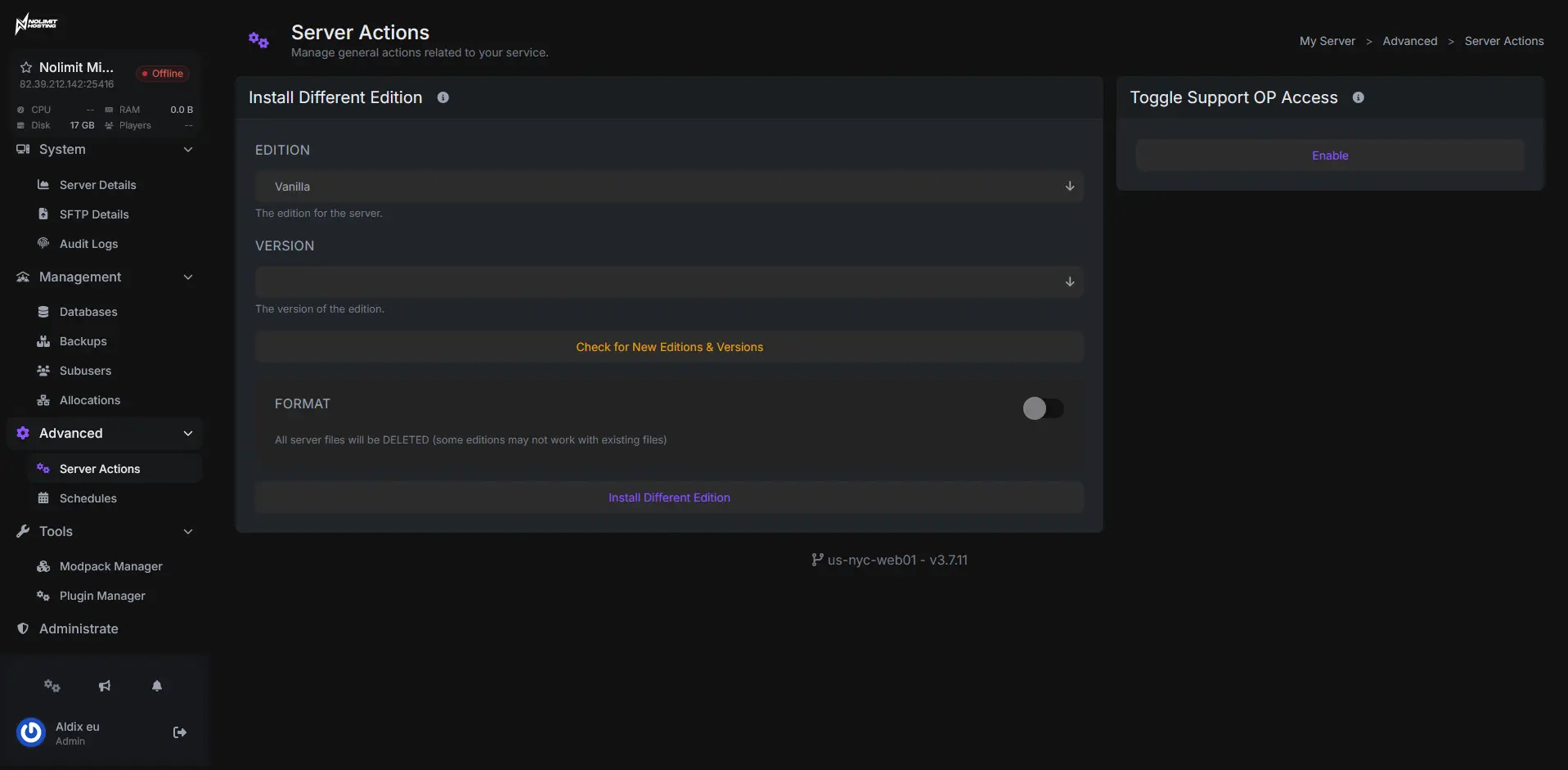
Server Control
IP, location, version, and settings front and center. Copy the connect address or jump to any tab in one click.
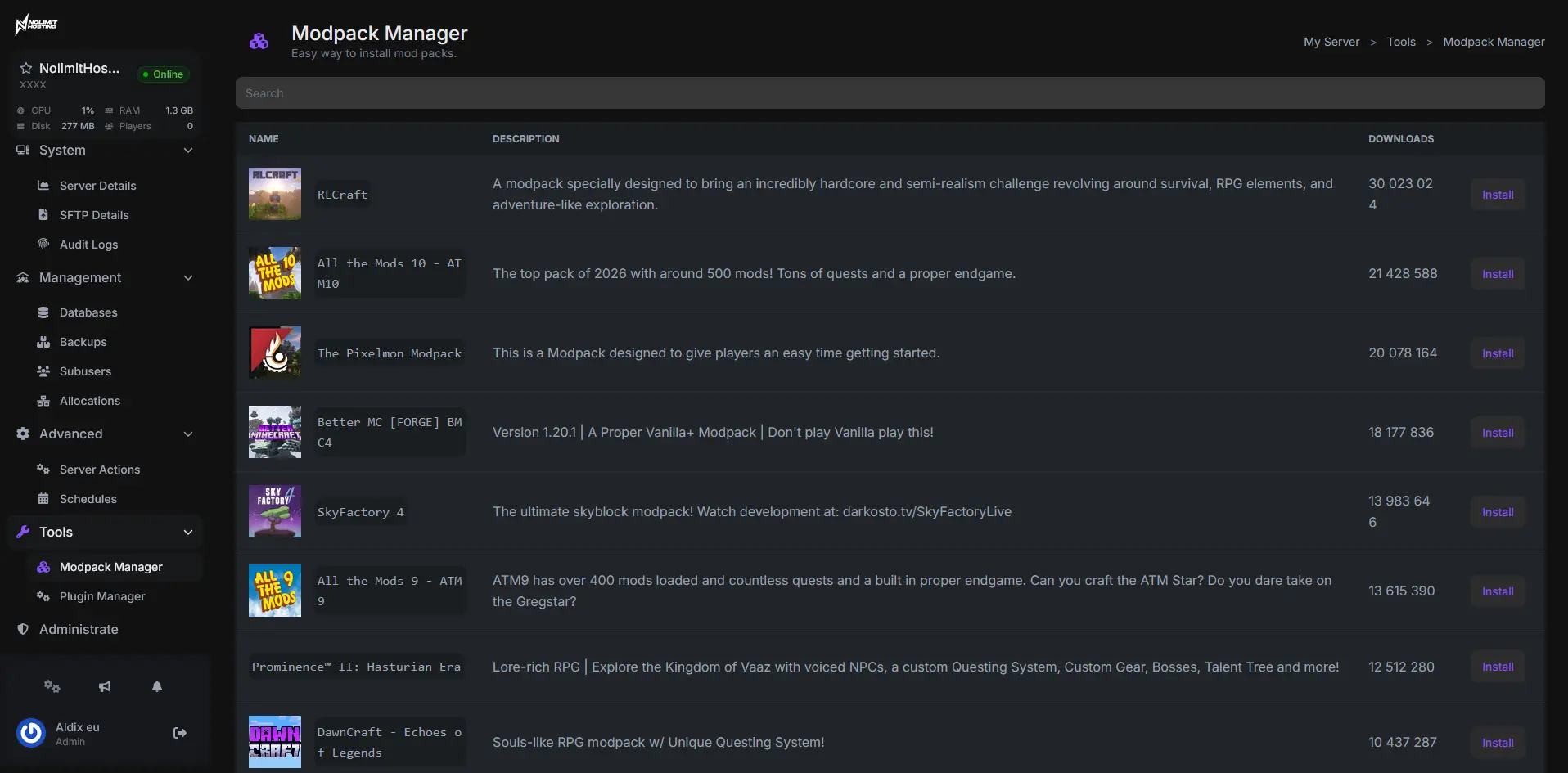
Modpacks & Mods
Install plugins, mod frameworks, or whole modpacks straight from the panel. No uploads, no command line.
Easy Interface
Our panel is easy for first-time users, yet powerful enough for seasoned server owners.
Instant Setup
Your server builds itself at checkout. Ready to join in under 60 seconds.
DDoS Protection
We block attacks before they reach your server. Included free.
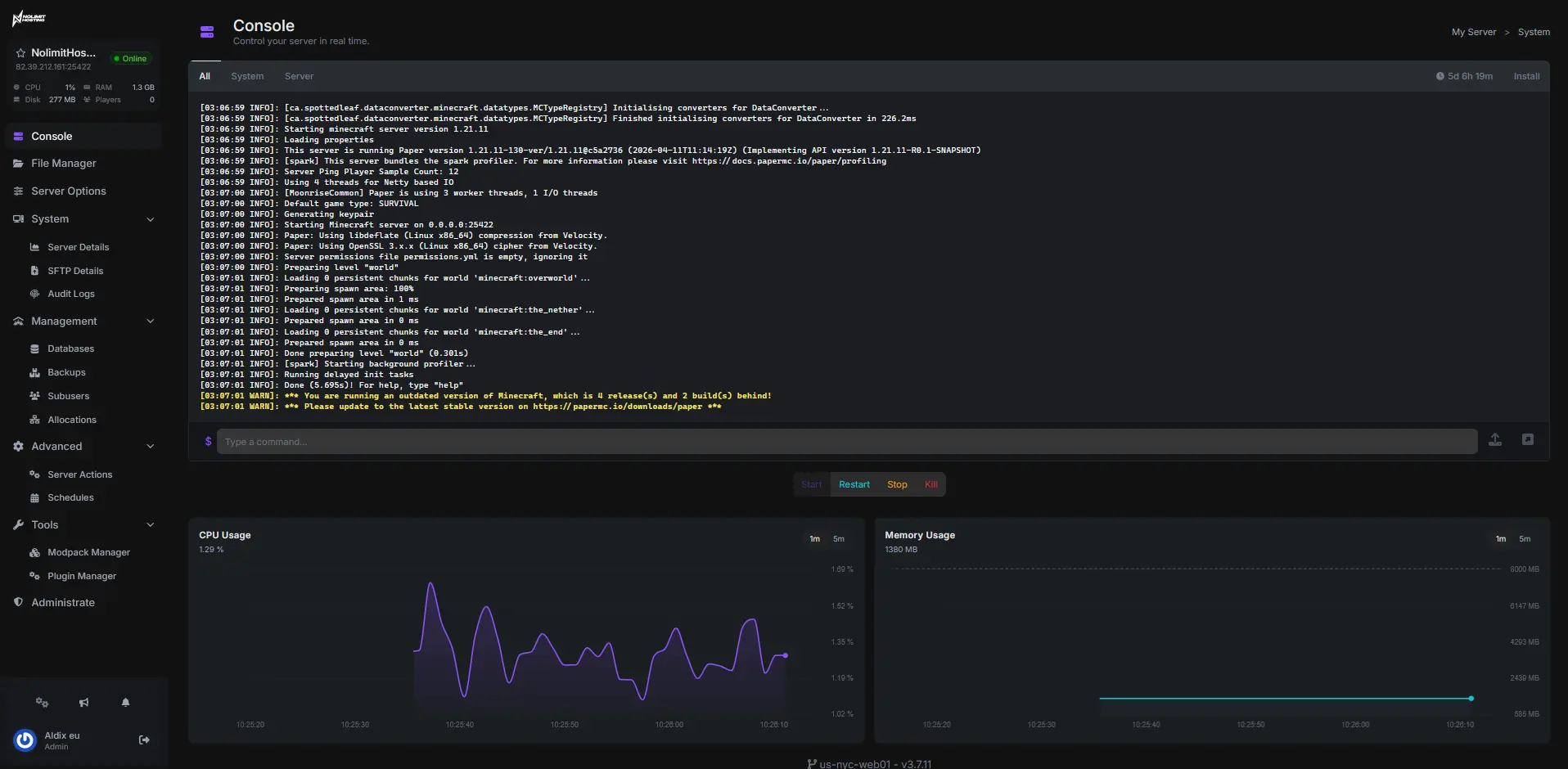
Live Console
Real-time console with instant feedback on every command.
File Manager
Edit configs, upload mods, and manage files directly in the browser.
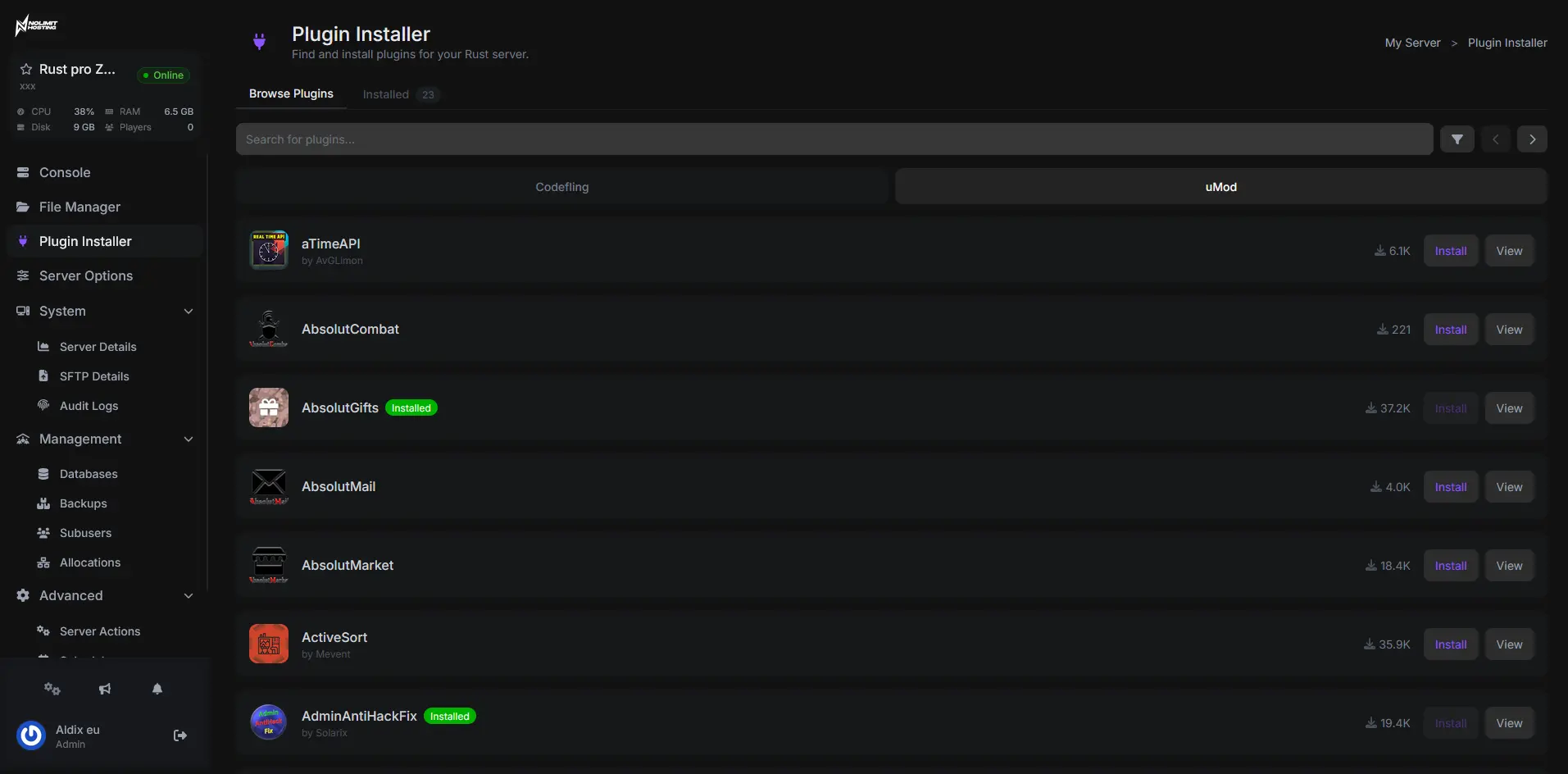
1-Click Mods
Install plugins and mod frameworks directly from the panel.
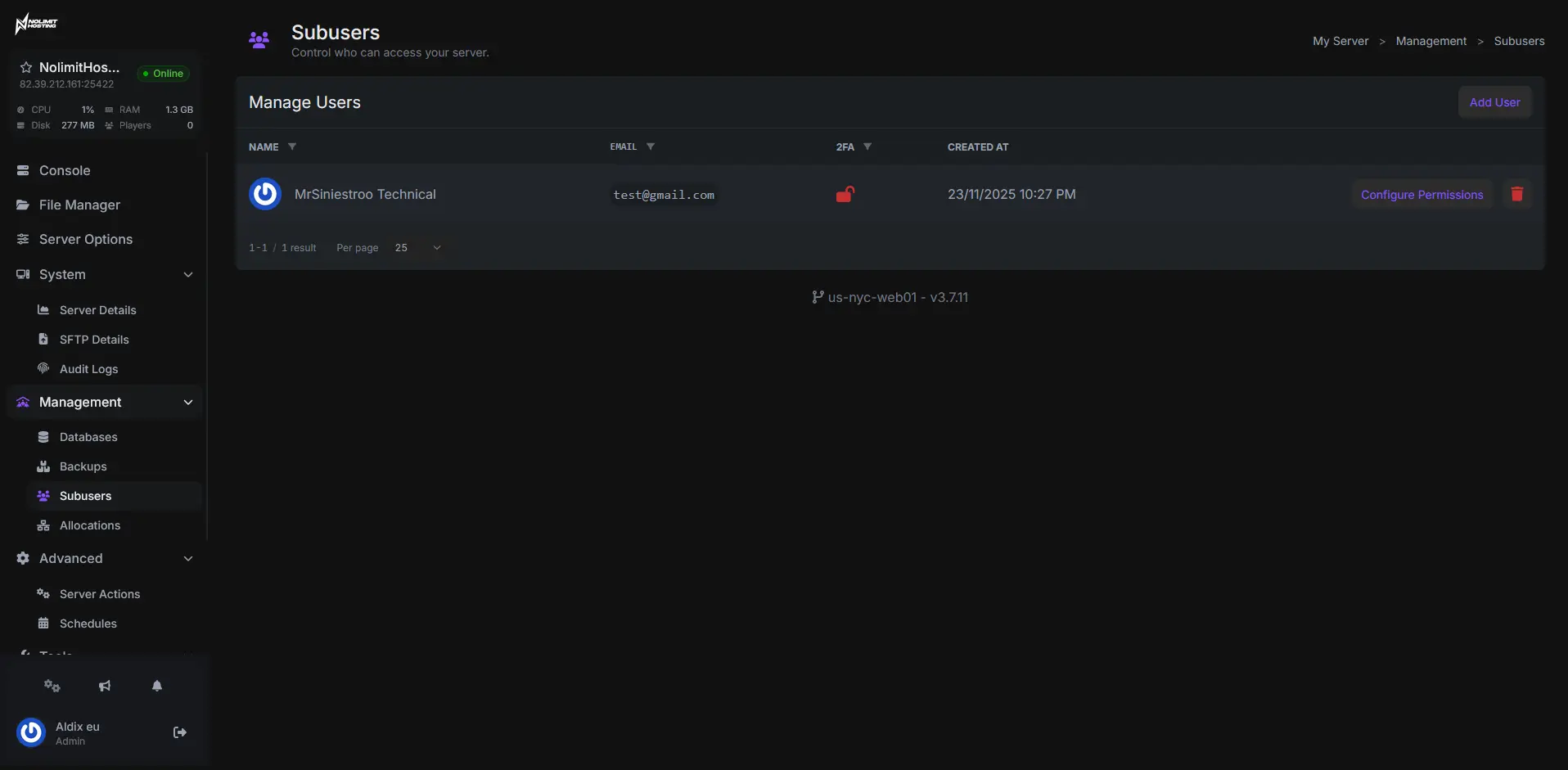
Sub-Users
Add staff with custom roles and granular permissions.
Auto Backups
Daily automatic backups with one-click restore.
First Class Support
Our team is online. Get help via live chat or tickets, day or night.
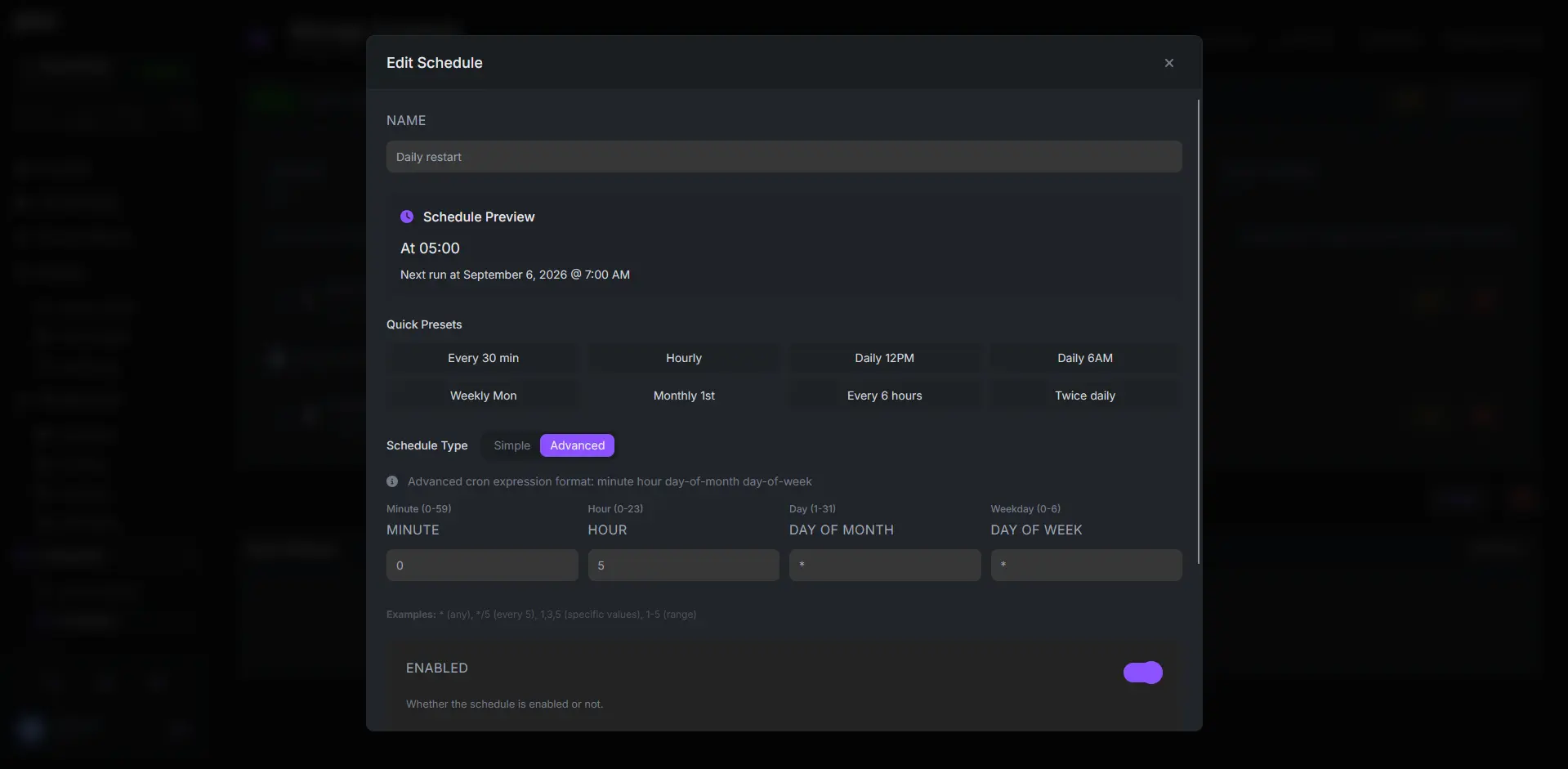
Scheduled Tasks
Automate restarts, backups, and commands on your own schedule. Set it and forget it.
Give your players faster downloads
Your players spend the longest part of joining staring at the resource download screen — and every one of those downloads comes off your server's uplink. Add resource caching and your packs are served from our edge instead, so joins get quicker and your box stops re-reading the same files all day.
- Much faster resource downloads for every player
- Shorter loading screens on big vehicle & map packs
- Fewer download timeouts after big content updates
- Playable bandwidth kept for live gameplay
- Nothing for players to install or clear
- Works with txAdmin, ESX and QBCore
# add resource caching to your server
set adhesive_cdnKey "your-secret-passphrase"
fileserver_add ".*" "https://cache-yourname.nolimithost.cc/files"

# restart → first join fills the cache,
# every player after that downloads from the edge
Master your FiveM server
Step-by-step guides for installing mods, configuring your world, adding admins, and every other tweak our support team gets asked about.
How do I purchase a FiveM Server?
Complete guide to purchasing your FiveM server.
Read the Guide